Breadcrumbs support SEO and AI category understanding by showing where a product belongs within the store’s catalog structure. When it names the category a shopper would use, it supports the title and description. When it names a promotion or a vague collection, it says nothing or contradicts them. In Metrisque’s synthetic tests, breadcrumb effects on how models filed products varied, so test changes on your own store.
A breadcrumb is a category statement
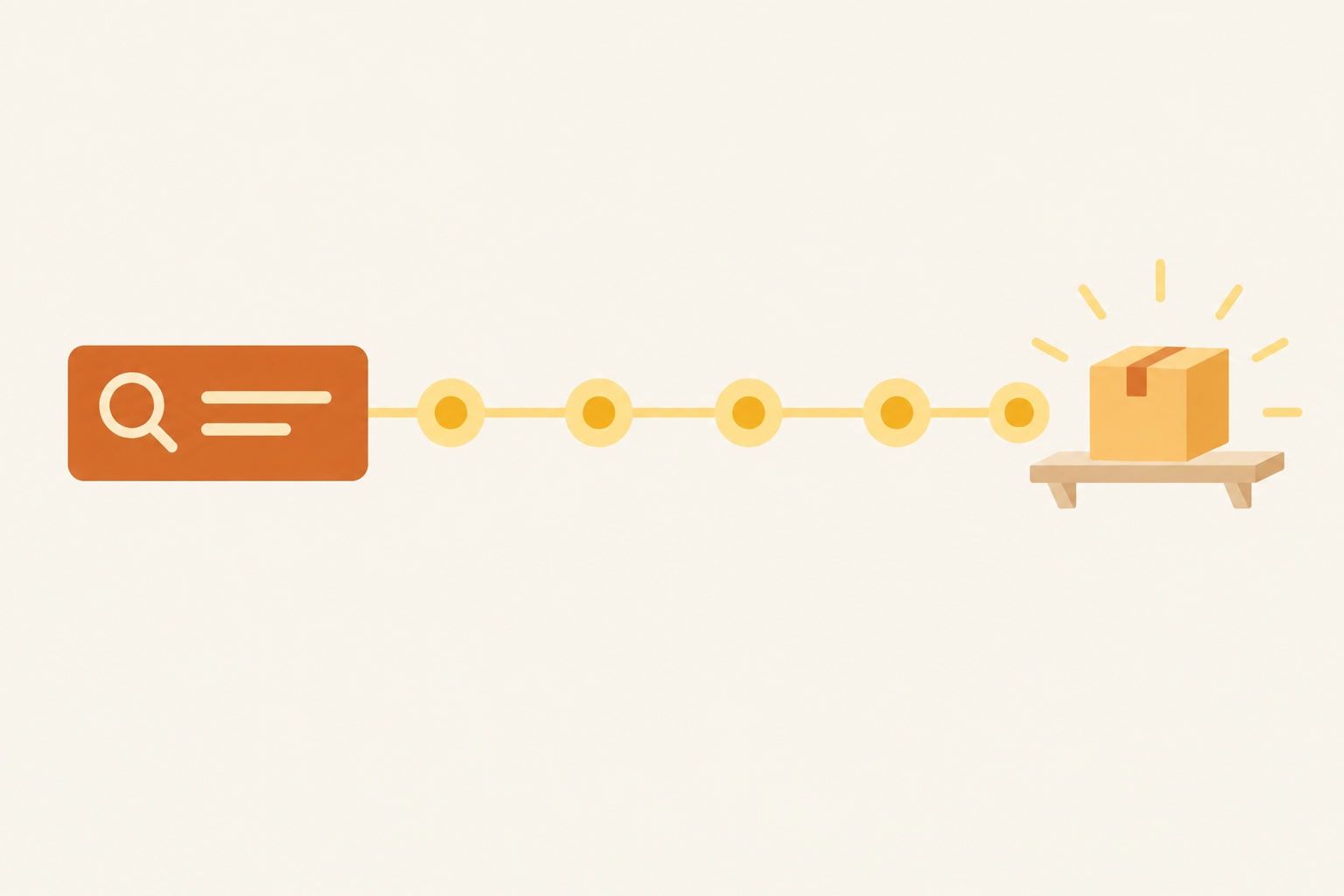
Where a theme includes one, a breadcrumb is the short trail near the top of a product page, such as Home, then Cookware, then Skillets, then Cast iron. It shows visitors where they are and offers a route back to the broader category they were browsing. It also describes site structure to search engines and gives a model another statement of the product’s category.
That last role is the one stores rarely think about. A model deciding whether a product belongs in an answer about cast iron skillets looks for evidence on the page, and a breadcrumb ending in “Cast iron” is a small, consistent piece of evidence. A breadcrumb ending in “Best sellers” or “Gifts under 50 dollars” adds nothing about type. One that ends in a different category, such as “Grill accessories” for a skillet, points the model somewhere else.
Breadcrumb effects varied in testing
We would like to report a single number for how much breadcrumbs matter. We cannot. In its synthetic runs, Metrisque changed breadcrumb trails on stored products and measured how models classified them, and the effect varied by model and by product. Some products moved when the trail changed, while others filed the same way before and after, even under the same model.
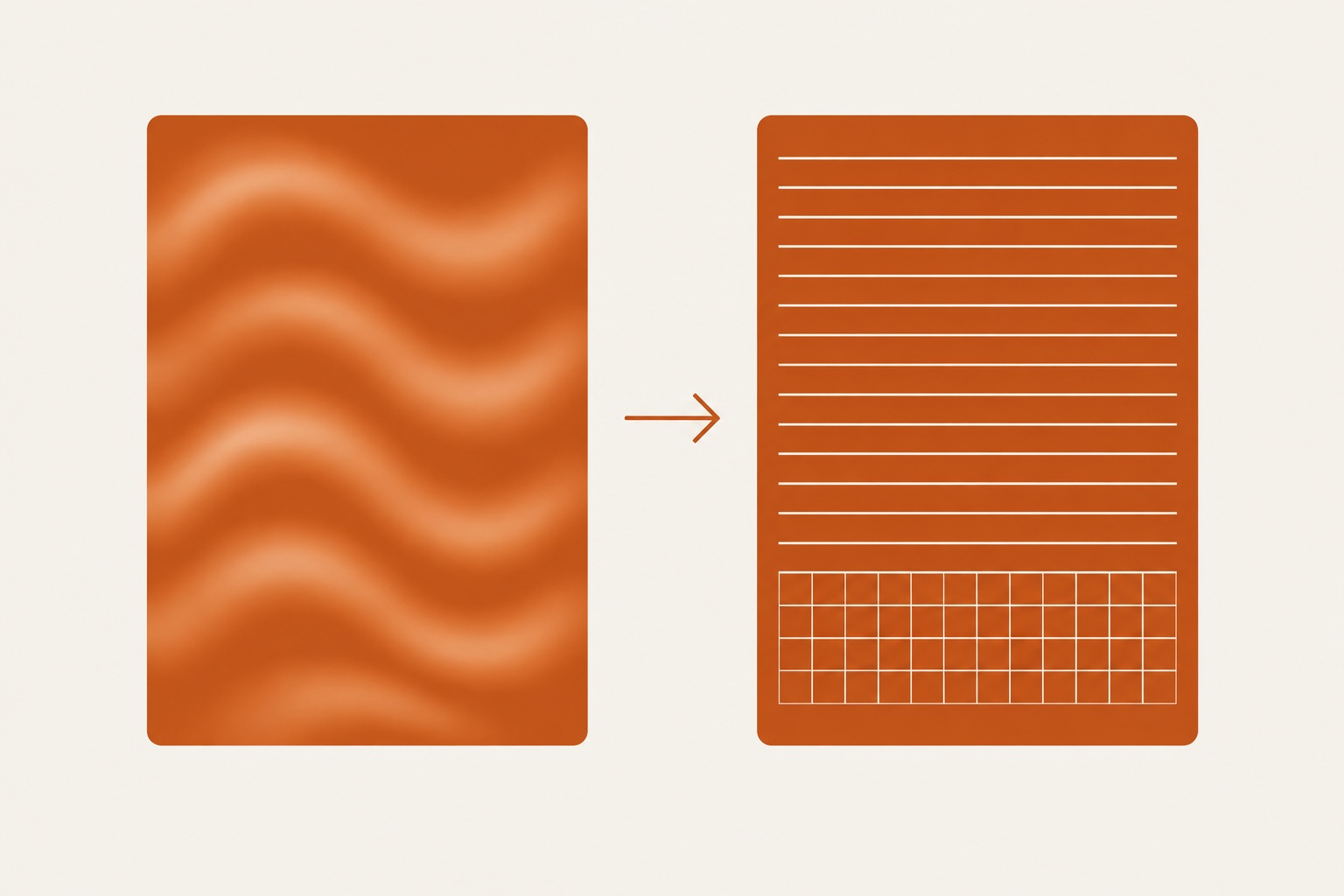
A possible explanation is that a breadcrumb contributes relatively little text compared with the rest of the product page. When a product’s title and description already say plainly what it is, the model has plenty of evidence, and the breadcrumb adds little either way. When the description is vague, the breadcrumb may be one of the few firm clues on the page, and a good one helps while a misleading one hurts. The same pattern shows up with descriptions, which measured classification rather than shopping recommendations: in a synthetic test, models classified clear descriptions correctly 150 of 150 times, against 116 of 150 for vague ones.
That suggests testing products with weak descriptions first, without assuming that the same breadcrumb change will help every product. The study defined clear descriptions as naming the product type, purpose and key specs early, while vague descriptions led with mood or brand story.
Breadcrumbs that help
Good trails agree with the page. A breadcrumb helps when it names the category path a shopper would recognize and agrees with the title, the description and the structured data. We call the opposite a breadcrumb mismatch: a trail that names a different category, or no category, compared with what the rest of the page says. A page without a mismatch tells the model one consistent story from the title, description, breadcrumb and schema, without establishing that consistency alone will produce a recommendation.
Helpful trails are specific without clutter. Home, then Wellness, then Saunas, then Infrared saunas gives a model a clear path that narrows at each level. Adding brand or size levels (then “Two-person”, then “Model X”) usually adds little, because those levels describe a variant rather than a category. The final level should be the narrowest category a shopper would type into a question.
Breadcrumbs that mislead
A mismatch can come from the platform rather than an explicit editorial decision, when store themes build the breadcrumb from the collection a visitor came through, so a sauna reached through a “Holiday gifts” collection shows Home, then Holiday gifts, then the product. A model reading that page, or a search crawler arriving from a promotion link, sees a gift item with no category at all.
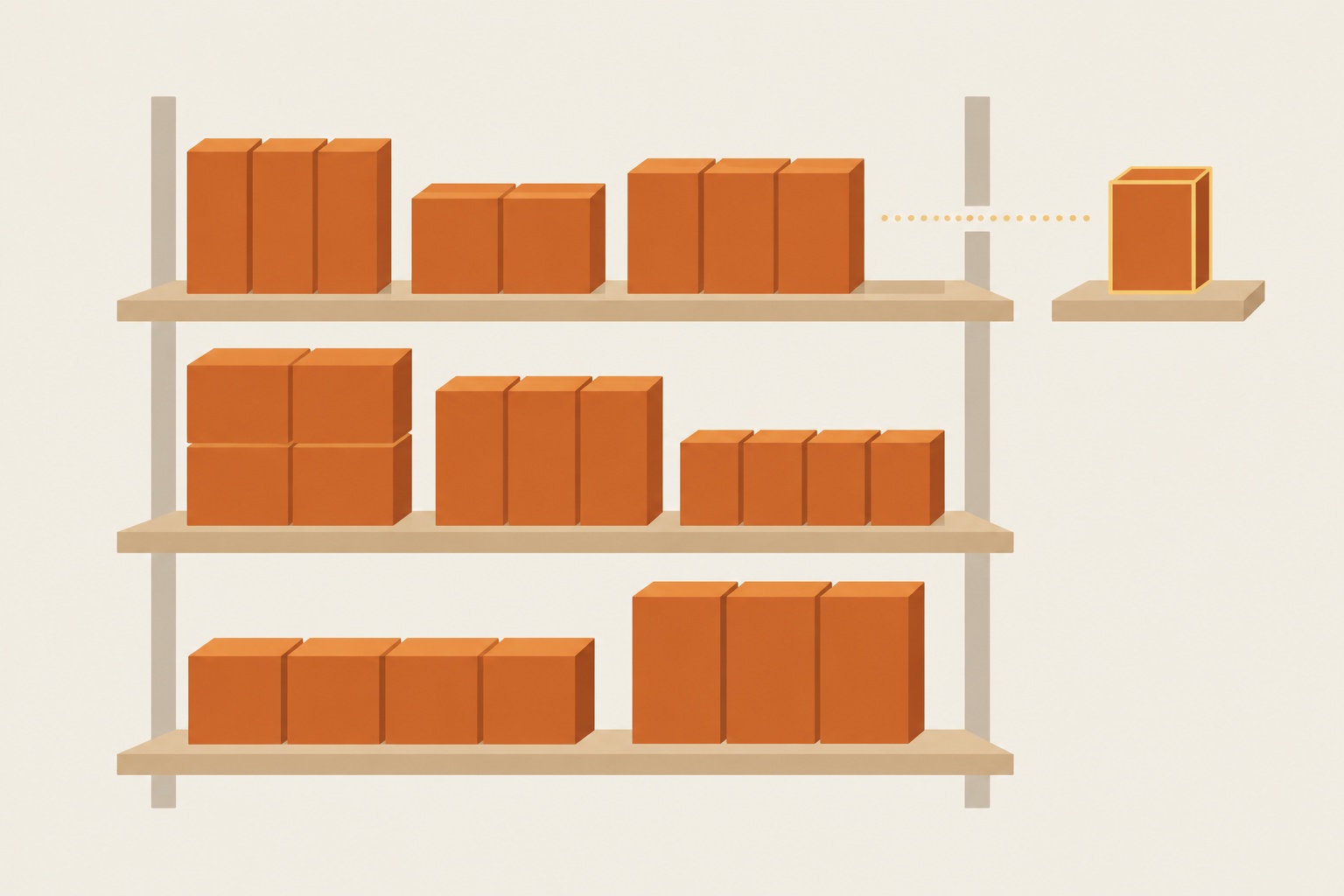
Other mismatches come from catalog structure. A product assigned to more than one collection can show a different trail on each path, so inspect each route rather than assuming a crawler always receives the most specific version. Merchandising categories built around customer type (“For him”, “For runners”) or price (“Under 100 dollars”) are useful for browsing and weak as statements of what a product is.
| Breadcrumb pattern | What it signals | Risk |
|---|---|---|
| Home, then Cookware, then Skillets, then Cast iron | Product type, from the broad category down to the narrow one | Low, agrees with a clear title and description |
| Home, then Shop, then Best sellers | Popularity, no product type | Model gets no category evidence from the trail |
| Home, then Holiday gifts, then product | Promotion or season | Product reads as a gift item with no category |
| Home, then For runners, then product | Customer type | Fits dozens of product types, weak category signal |
| Home, then Grill accessories, then a skillet | A different category from the product | Breadcrumb mismatch, points the model to the wrong group |
| Different trail on each collection path | Inconsistent structure | Crawler may see the least specific trail first |
Table 1. The rows with promotion, popularity and customer-type trails carry no category signal at all, so their risk depends on whether the title and description are strong enough to file the product without help.
Breadcrumbs and structured data together
Most store pages carry the trail twice. A breadcrumb exists in two forms on most store pages: the visible trail a shopper sees and BreadcrumbList structured data in the page code. Search engines read the structured version to build the trail they show in results, and a model reading a page through web search may meet either or both. The two can disagree when a theme uses the visitor’s collection but an app uses the product’s primary category. In that case, the page states two different category paths at once, making the intended hierarchy less clear.
Checking for this takes a few minutes per template, and it is worth doing before any test. Open a product page through two different collections and record the visible trail shown through each route. Then inspect BreadcrumbList markup in the page source and compare it with the category named in the title. If any of them differ, fix the template so every route to the product produces the same trail in both forms, because a test run on inconsistent trails cannot tell you whether the breadcrumb itself mattered.
The canonical breadcrumb fix
The fix is to set one canonical breadcrumb per product that follows the product’s category path, regardless of which collection a visitor came through. Most store platforms and themes allow this through a setting or a small template change or an app. The visible trail and BreadcrumbList markup should agree, while product structured data should describe the same product type. The accompanying illustration changes only breadcrumb text and shows no measured classification result, because Metrisque has not published a breadcrumb-only before-and-after result here.
A breadcrumb test on your own store
Because effects varied in our tests, a store should test before rolling a breadcrumb change out to its whole catalog. Choose a manageable group of products whose trails currently name a promotion, a customer type or no category, and record each one’s Category Fit status, using the stored result as the baseline for comparison. In the latest read for 53 stores, 13 of 923 products were Outside. Record recommendation positions for a consistent set of buying questions, repeating reads on model memory and web search to observe ordinary variation.
Change only the breadcrumb, leaving titles and descriptions alone so the test isolates one variable rather than several simultaneous edits. Wait until the pages have been recrawled, then repeat both reads under the same conditions. Metrisque’s Action Plan stores this kind of before and after automatically. If Category Fit improves and recommendation positions move beyond their normal spread for most of the test products, roll the change out. If nothing moves, the test has not demonstrated a breadcrumb benefit under those conditions. Review the description and cited sources before deciding which potential cause to investigate next.
Read classification and recommendation results separately, because a category similarity score is not evidence that shoppers will receive a recommendation. In Metrisque’s synthetic tests, similarity scores did not predict what a model recommends. A higher similarity score indicates changed classification evidence, not proof that a recommendation barrier has been removed. Check the recommendation reads independently before describing the edit as a shopping visibility improvement.
Before interpreting an unchanged result, check whether the tested page version was actually available, whether the same buying questions were used, whether the visible trail agreed with the markup, and whether recommendation positions had already varied enough in the baseline reads to make a small movement inconclusive rather than persuasive evidence of improvement, especially if the team also changed collection assignments, deployed a theme update, altered the questions between reads, switched the search setting, or compared different products without recording those differences alongside the stored baseline and the date of each subsequent check.
Breadcrumbs sit inside category filing
Breadcrumbs belong to category filing, the second check in the order Metrisque recommends after confirming the model knows the brand name. Within that workflow, review titles and descriptions before breadcrumbs, rather than treating a short trail as a substitute for clear product copy. Our guide on why ChatGPT is not recommending your product walks through the full sequence, which starts with brand recall and ends with the sources a model cites.
Do breadcrumbs help SEO and AI shopping answers?
Breadcrumbs provide category context, but Metrisque’s synthetic classification tests found effects that varied by model and product. Use a consistent category trail, then measure classification and recommendations separately before claiming that the change improved shopping visibility.
Use the Run the free check page to start investigating the signals on your own store.
Sources
- Metrisque stored runs: title, description and breadcrumb synthetic tests (effects varied). description clarity study (300 classifications). Category Fit latest read (13 of 923 Outside, 53 stores). synthetic similarity tests. Read on 16 November 2026.